
Software that makes every screen useful from day one.
Luxus OS comes installed on every Luxus screen: artificial intelligence, a smart whiteboard, live translation and simple tools for everyday tasks.
Request a quoteSee specifications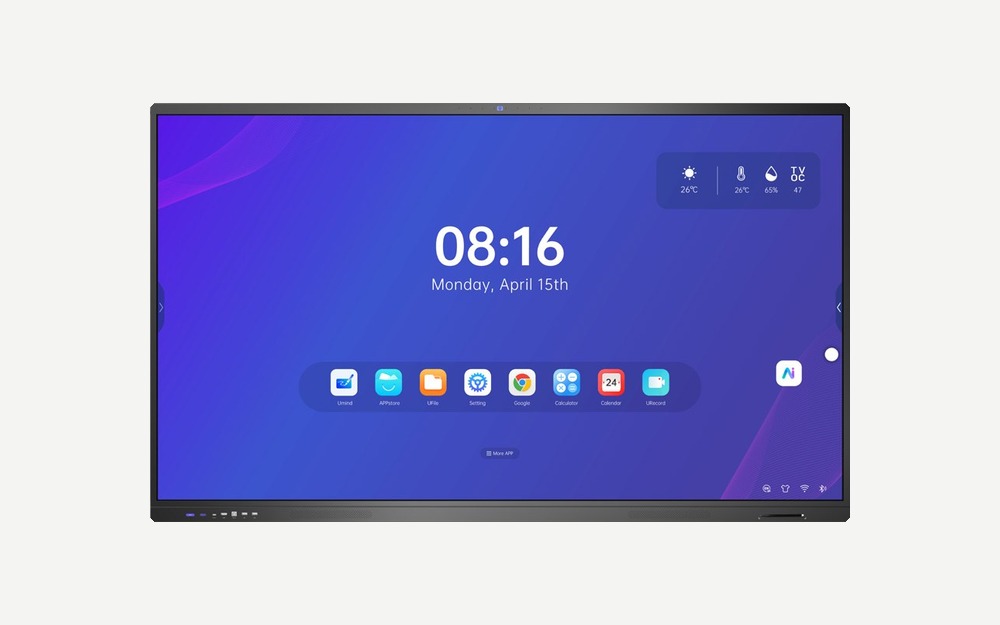
What it does
Installed on every Luxus screen.
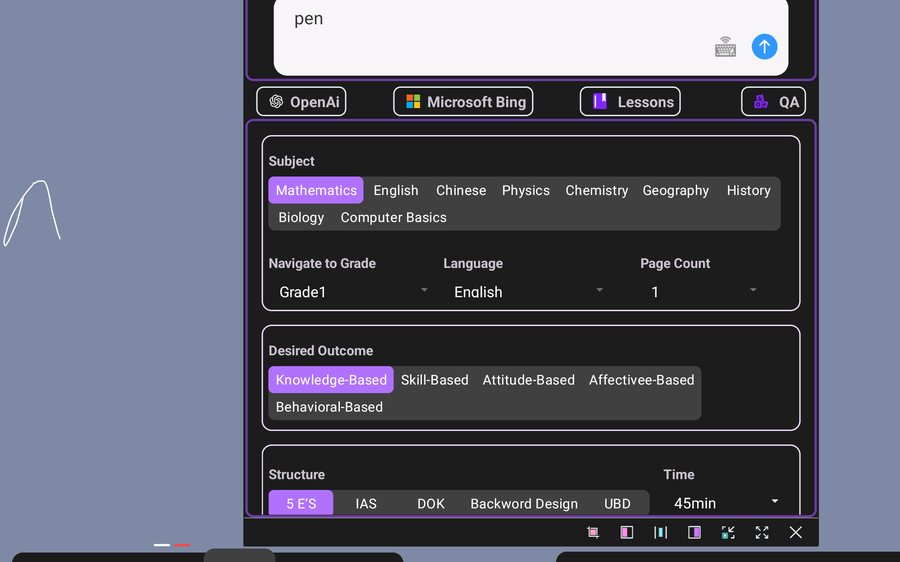
AI Assistant
Build a full presentation from a topic, by voice or text, and let the assistant help you along the way.
- Explains concepts, solves formulas, creates questions, lessons and forms
- Makes mind maps, checks assignments and chats freely
- Knowledge library: upload your documents and it answers only from that content
- Generates images and videos from a text description
- Voice control: opens apps, changes the signal source and searches files
- Automatically summarizes meetings and sessions
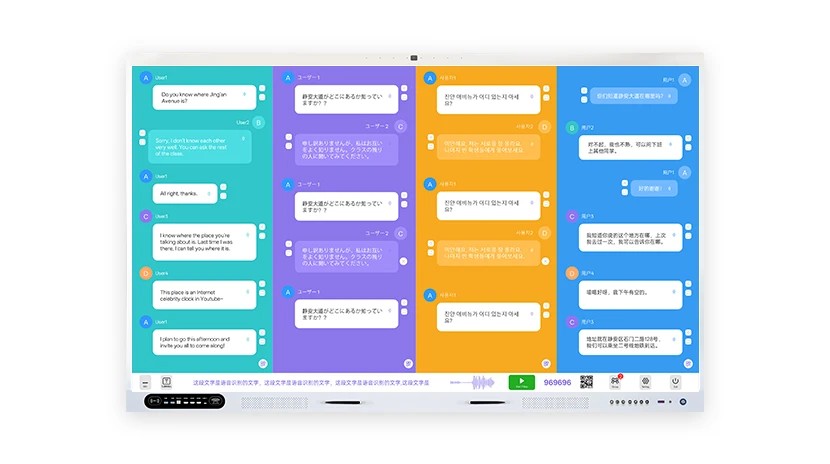
PolyVoice
Talks and meetings with people who speak different languages, in real time.
- Translates up to 4 languages at once
- Each participant joins by scanning a QR code, with nothing to install
- On-screen subtitles and audio in each person's language
- Identifies who is speaking
- Writes the meeting minutes in several languages, shared by QR
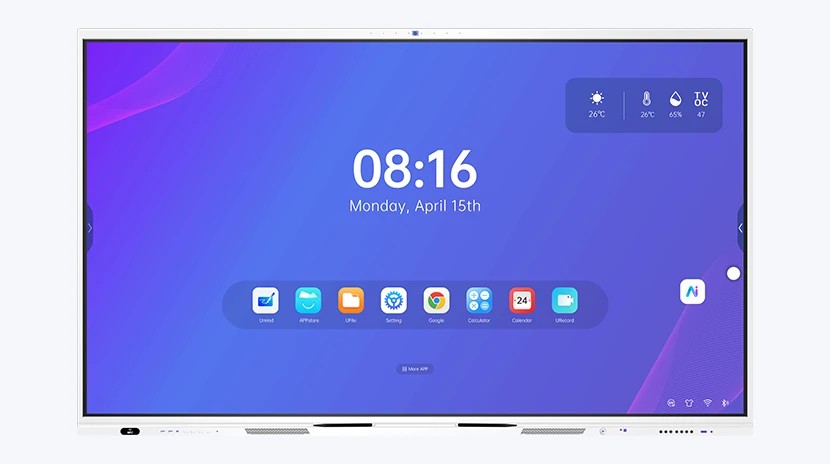
Made to start in seconds
A simple desktop with the most-used apps always at hand: whiteboard, Google, files and the AI assistant.
- Ready-made scenes: classroom, meeting room, exhibition room and living room, each with quick access
- Control center: Wi-Fi, screen capture and recording, pen, calendar, timer and calculator in one touch
- Color themes and custom backgrounds
- Floating button with 9 functions and a side bar to go back, go home or switch apps
- Signal source switching: HDMI, OPS, VGA, DisplayPort and USB-C
- One-touch child lock
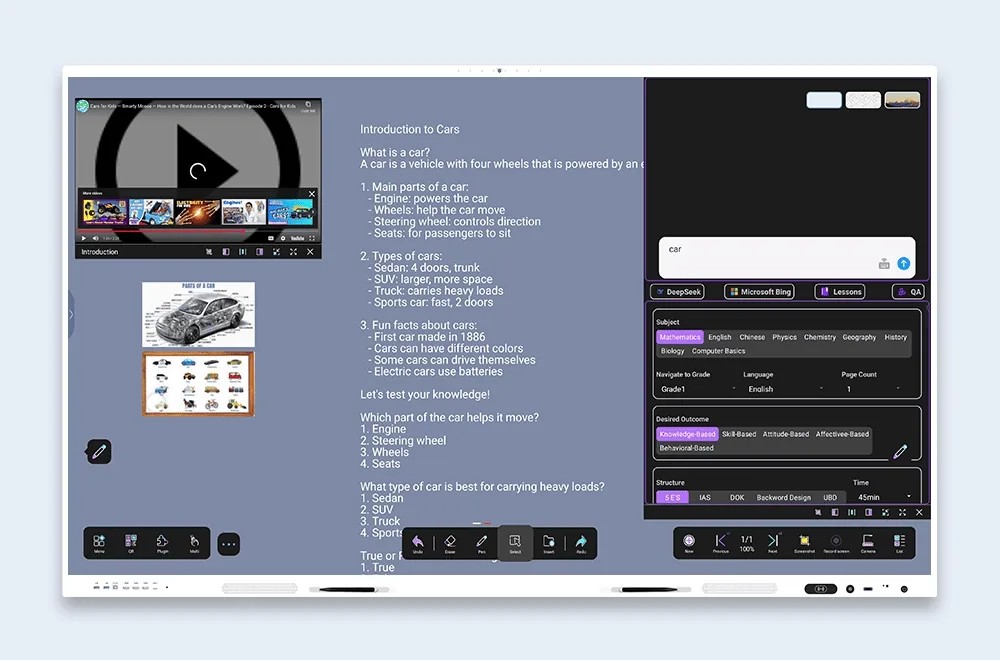
Write, draw and teach on the same screen
A collaborative whiteboard with handwriting recognition, drawing tools and the same AI functions as the assistant.
- Turns your handwriting into text, geometric shapes or formulas
- Several people can write at once, in real time
- Mind maps to organize ideas and explain complex topics
- Broadcast live with one click: viewers scan a QR code and install nothing
- Save to the cloud, share by QR, export to PNG or PDF and connect with Google Classroom
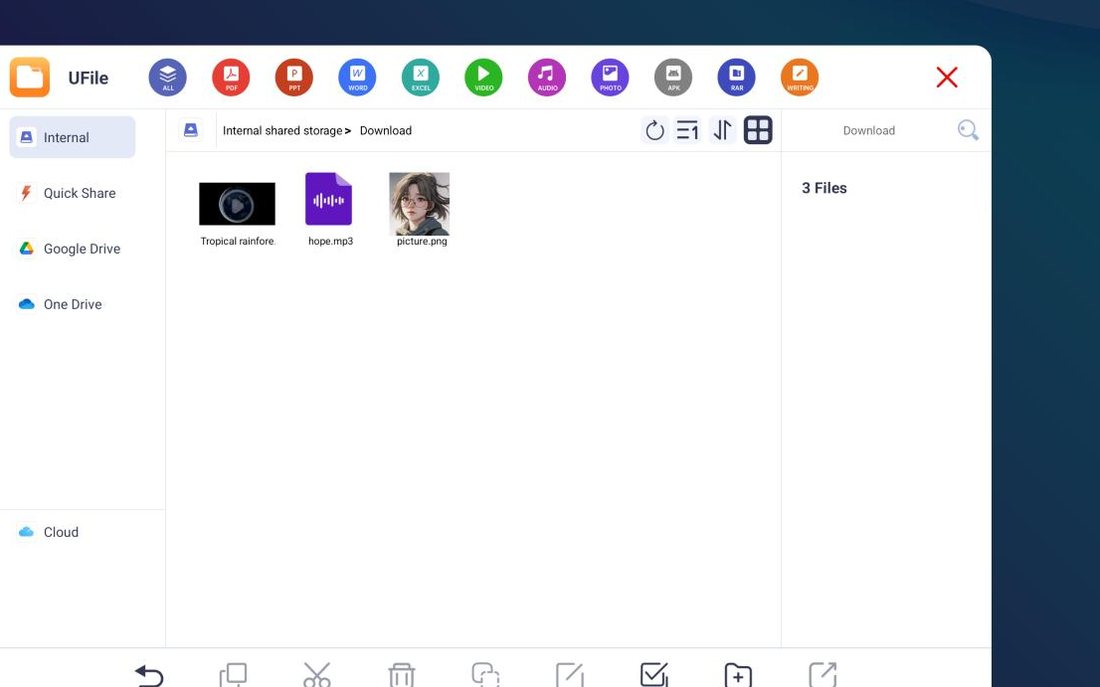
UFile
One place for your documents, videos and images, from the screen, a USB drive or the cloud.
- Preview of more than 20 formats with no other apps: Word, Excel, PowerPoint, PDF, CAD, Photoshop, videos, images and more
- Connect Google Drive and OneDrive, or use the screen's own cloud
- Share any file with a QR code (up to 50 MB), with a validity time of your choice
- Add files to the AI knowledge library in one click
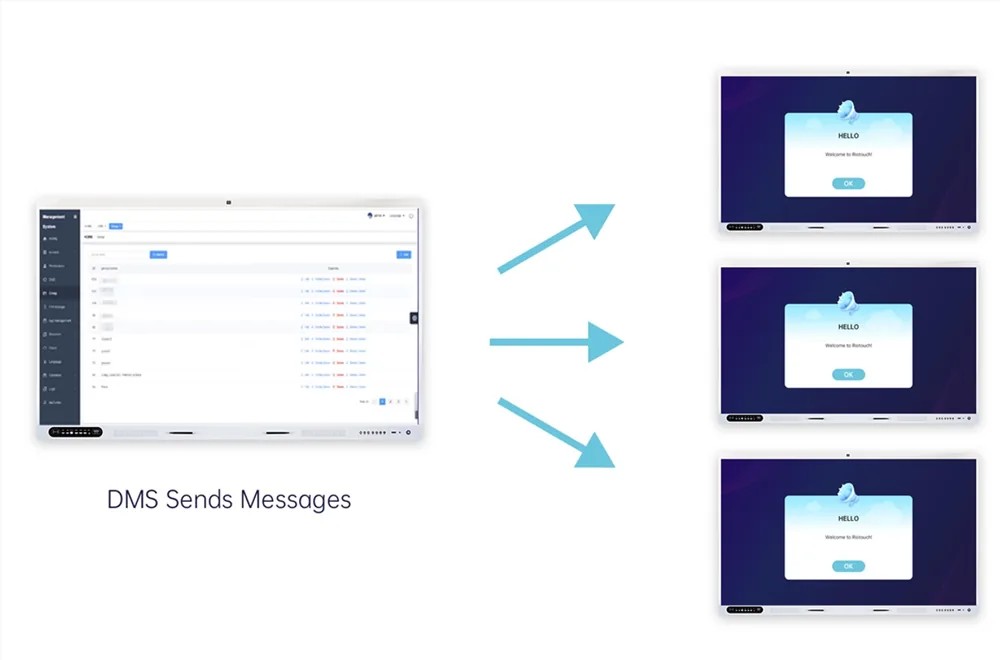
Many screens, one computer
For whoever manages one screen or hundreds: organize them in groups and send orders to all at once.
Everyday tools
Nine simple tools, already installed, for everyday tasks.
URecord
Screen recording with voice and notes, saved as MP4.
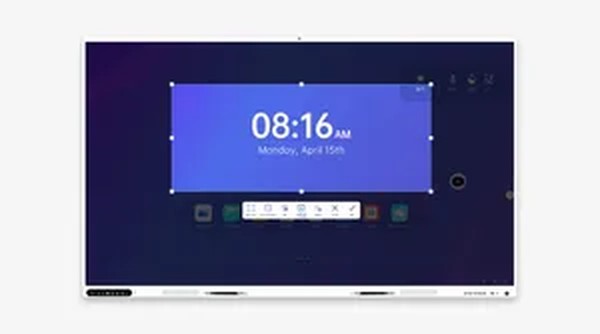
UCut
Screenshots you can mark up instantly.
UMark
Record and annotate together, with the presenter's voice.
UTimer
Stopwatch and countdown from 1 second to 99 hours.
UVote
Polls and votes from phones, with instant charts.
UFreeze
Lock the screen or write on a black board.
UPlay
Video player: MP4, MOV, AVI, MKV and more, from 0.5x to 4x.
UPicture
Image and document viewer with smooth zoom.
Calculator
Normal and scientific, with function graphing.
Ideas for bookstores
Some ways our customers can use them. Tell us yours.
Author events and book clubs
Present, annotate and translate live on one screen, in the store or online.
Kids' corner
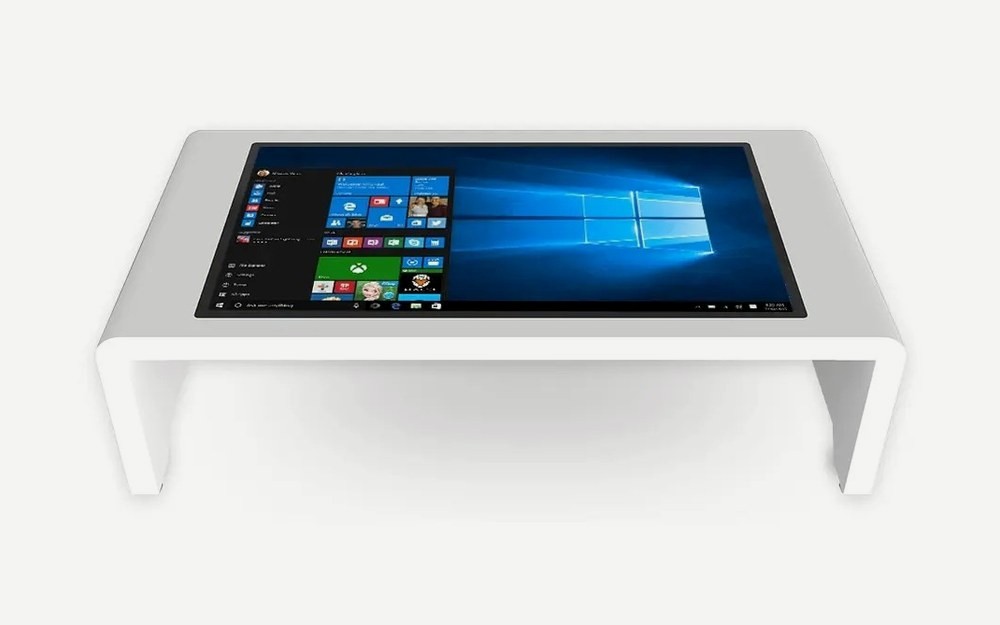
An interactive table for drawing, reading games and group activities.
Sell to schools and libraries
Offer your education customers a screen with classroom software included.
Want to see it in your store?
Tell us about your space and we will prepare a proposal, with no commitment. We can also talk about a demo or a pilot.
Request a quoteSpecifications, certifications and availability for the US market are confirmed when we prepare your quote. Pricing is provided by quote.